MIDI notes and chords
Describe a genre, mood or rhythm. Your assistant can suggest a melody, chords or a beat and write MIDI notes through the connector. Refine the ideas by ear.
“Write four chords into this region.”
YOUR IDEAS. NEW CONNECTIONS.
Connect AI to your creative tools.
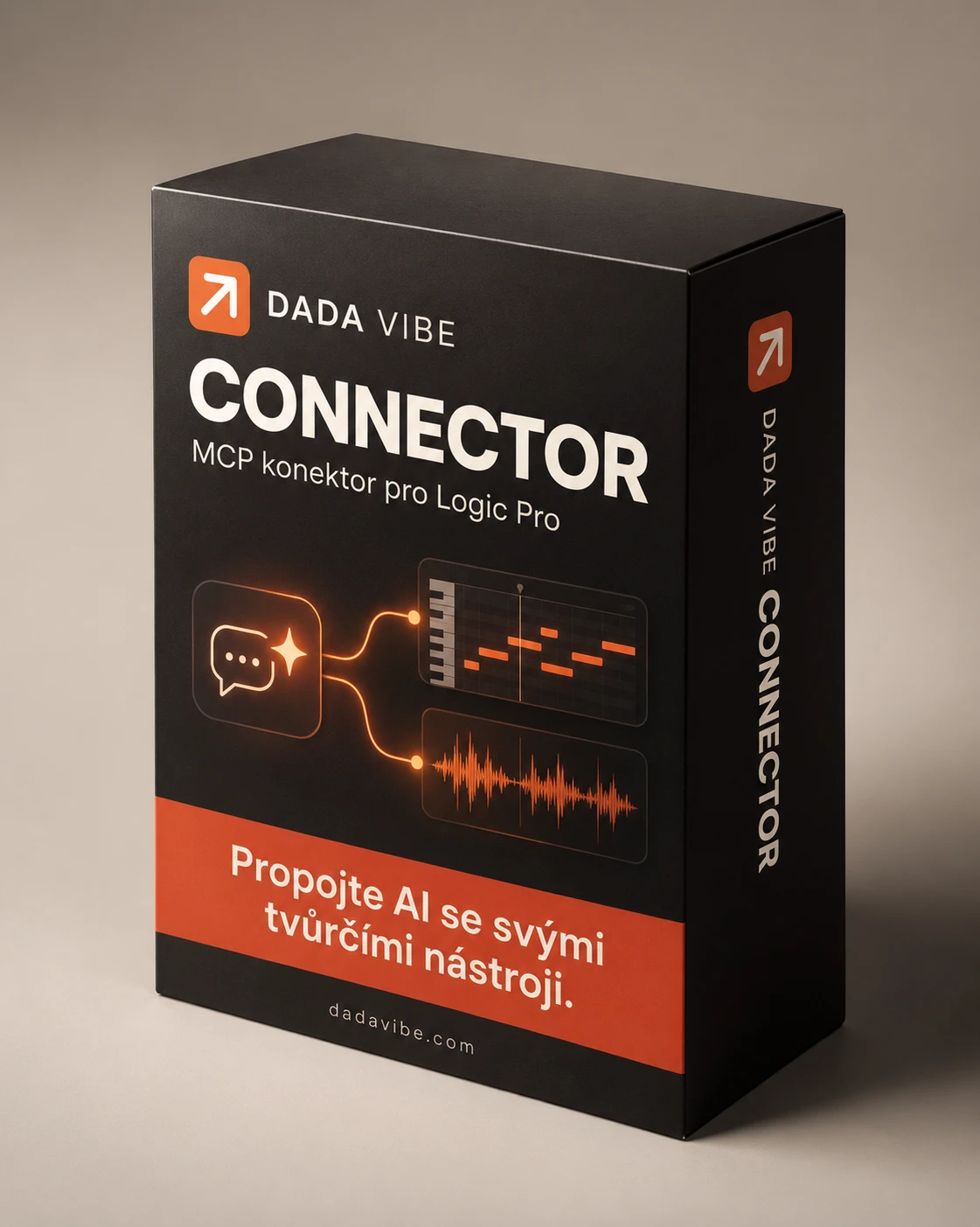
Connect your AI assistant to Logic Pro. We are optimizing Dada Vibe Connector for ChatGPT and Claude by Anthropic. Request MIDI, instrument selection, automation and mixing by text or voice.
Notes, instruments, automation.
Your Logic. Your instructions.
01 / DADA VIBE CONNECTOR
From melody ideas to MIDI, sidechain, automation and mixing. These capabilities are based on our practical tests in Logic.
Describe a genre, mood or rhythm. Your assistant can suggest a melody, chords or a beat and write MIDI notes through the connector. Refine the ideas by ear.
“Write four chords into this region.”
Load an available software instrument, open its editor and change named parameters in supported AU plugins.
“Load Omnisphere on this track.”
Write automation for exposed parameters, such as synth cutoff and resonance. Tested workflows use Piano Roll and track automation lanes.
“Show filter automation on this track.”
Capture audio from available target tracks or a selected list and set an initial level balance based on measurements and musical roles.
“Balance these tracks, using the kick as the reference.”
Build and adjust an output chain with EQ, compression and limiting. Measure LUFS loudness and true peaks in captured audio.
“Set up a mastering chain and measure the result.”
Custom categories and subfolders, effect assignments, backups and restoration of your own changes in Plugin Manager.
“Organize my effects into custom categories.”
Route a kick to a compressor detector on another track. Set exposed controls, including attack and release; this workflow is used in the demos.
“Make room for the kick in the bass with sidechain compression.”
Turn a MIDI region into audio with Bounce in Place. Keep the original MIDI and work with the resulting audio, including its level and EQ.
“Bounce this region to a new audio track.”
Freeze a track and turn off its software instrument so it no longer needs to run in real time. We have tested this workflow; the saving depends on the project and instrument.
“Freeze this track and turn off its software instrument.”
Introductory price 9 € + applicable VAT · one-time payment · 1 user / 2 Macs
02 / HOW IT WORKS
MCP gives an AI assistant access to an application’s tools. Dada Vibe Connector connects your assistant to Logic running locally on your Mac.
You need your own Logic Pro installation and any instruments or effects you want to use. The connector exposes supported operations in your project.
Install the connector on your Mac and grant the necessary permissions. We are preparing and optimizing connections for ChatGPT and Claude by Anthropic; individual clients are being verified separately.
Your assistant uses the connector’s available tools. Specific capabilities depend on the application and tested version.
You need an assistant that supports local MCP tools. A web or mobile app alone does not provide access to software on your Mac.
Keep creating your way, with the mouse and keyboard. When you want a fresh direction, ask your assistant for an idea: a continuation of your melody, a supporting line or a different rhythm. Your assistant can use MIDI notes it has read and write suggested notes through the connector. You listen, choose and refine.
“Read this MIDI melody and suggest a supporting line.”
CREATE WITH YOUR OWN WORDS
Give instructions by text or through an assistant that supports voice input. The assistant translates them into available operations in Logic.
This workflow may also make some tasks easier for people with visual impairments, such as entering notes, setting volume or changing an available parameter.
Speech recognition is provided by your assistant, not the connector. Fully nonvisual control, VoiceOver integration and complete voice workflows have not yet been verified. Some steps need a visible Logic window and temporary use of the mouse and keyboard.
03 / ROOM TO GROW
Connector updates will be included in the one-time price. The update service is running internally; integration with the customer release and new-version notifications are still being completed.
More about installation and updates ↗Release notes. A download link.
Install at a time you choose.
04 / GOOD TO KNOW
Dada Vibe Connector gives your assistant access to supported tools in Logic Pro. We are optimizing it for ChatGPT and Claude by Anthropic. Logic Pro, AI services and third-party plugins are obtained separately.
We are currently introducing Dada Vibe Connector for Logic Pro on Mac. This product does not control other applications.
Yes. The current design runs locally on macOS. You need your own supported software and a local MCP client. Web and mobile connectivity is not provided automatically.
Sales will open after the app and installer are signed and the download is verified. The introductory price will be €9 + applicable VAT, paid once. Until then, this website does not accept payments.
The planned manager will notify you of new versions while it is running and offer a download link. You choose when to install.